Overview
After completing website maintenance and releasing a new version, use this checklist to verify your Flex Pay integration is working correctly. This prevents regressions and ensures customers continue to see Pay Monthly offers as expected.
If you have questions or encounter issues, contact your Flex Pay Account Manager and/or Integration Lead.
Prerequisites
Select a qualified trip or purchase to test with. Validate that the dates and total order amount are eligible to show Flex Pay offers according to your account configuration (minimum order value, booking window, etc.). Contact your Account Manager to verify your account settings if needed.
Non-Payment Pages
Compare against your previous website version:
From Pricing Components
- All
<up-from-pricing>components render and display monthly pricing as expected
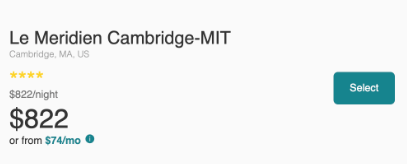
- Clicking the component or info icon opens the information modal
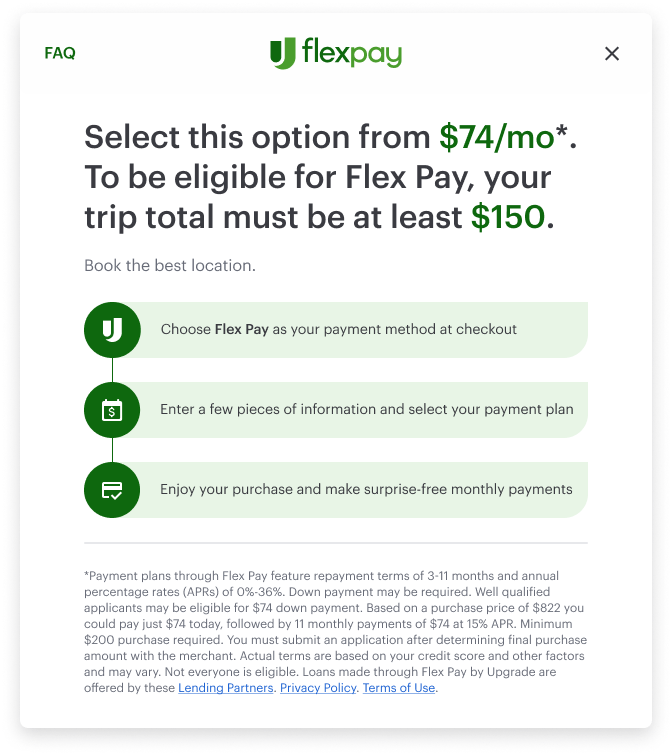
- Pricing updates in response to changes in the customer's order (e.g., selecting a different room, adding insurance)
- Components with
show-error="true"display the error state when offers are unavailable - Promotional badges appear when applicable (unless
hide-promos="true"is set)
Order Data
- The
orderInfoobject contains the same data as the previous version
📘 If you changed or added new attributes, refer to the full Order Object schema to validate format and allowed values.
⚠️ All prices must be expressed in cents (integer). Dates must follow the required format.
Network Validation
- Open the Network tab, filter by Uplift, and verify the payload for the "from" API calls
- The "from" call is only triggered when the customer's order changes (not on every interaction)
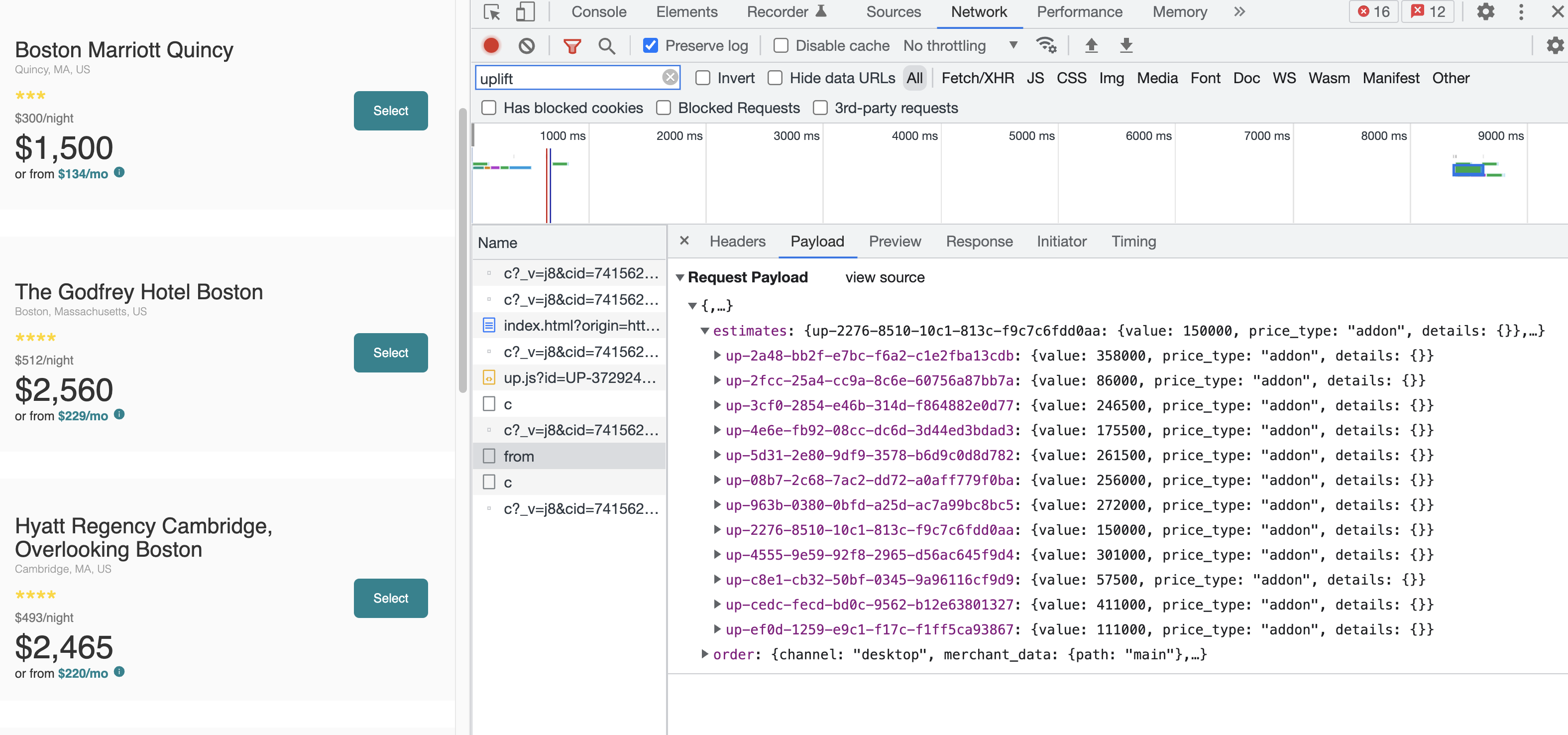
- Even with multiple
<up-from-pricing>components on the page, only one "from" call is made to load all offers
⚠️ The "from" call must never be triggered in a loop. If you see repeated calls, check that window.Uplift.Payments.load(orderInfo) is not being called from a re-render cycle or event handler that fires continuously.
Payment Pages
Pay Monthly Selector
- The Pay Monthly selector is displayed as expected
- The
<up-from-pricing>component inside the selector shows the correct monthly pricing - When offers are unavailable, the component shows the error state (if
show-error="true")
iFrame and Application Flow
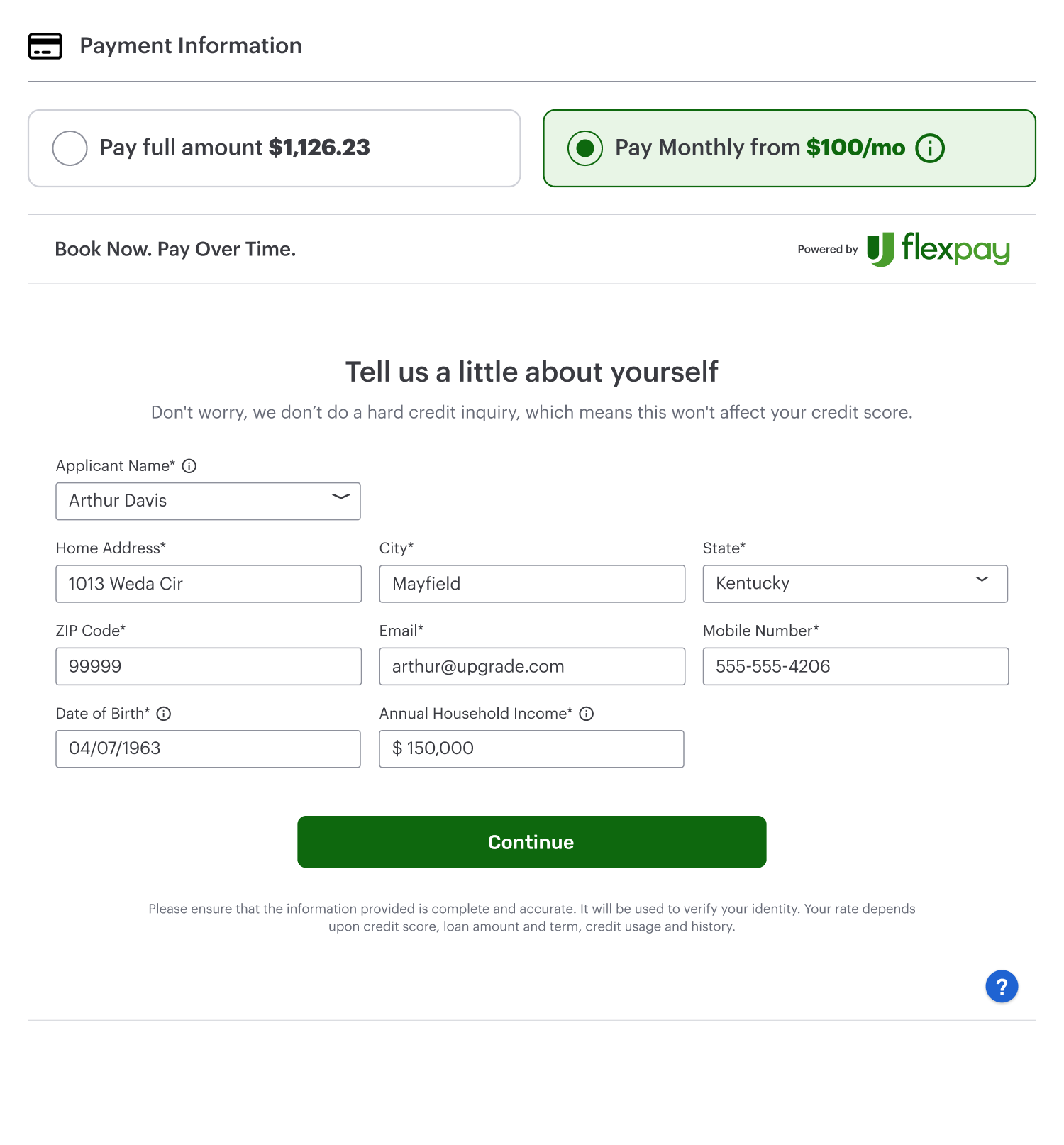
- The Flex Pay iFrame appears when the customer selects the Pay Monthly option
- Traveler and billing information is pre-filled correctly in the iFrame
- Customer information for all travelers (including those under 18) is sent correctly
Network Validation
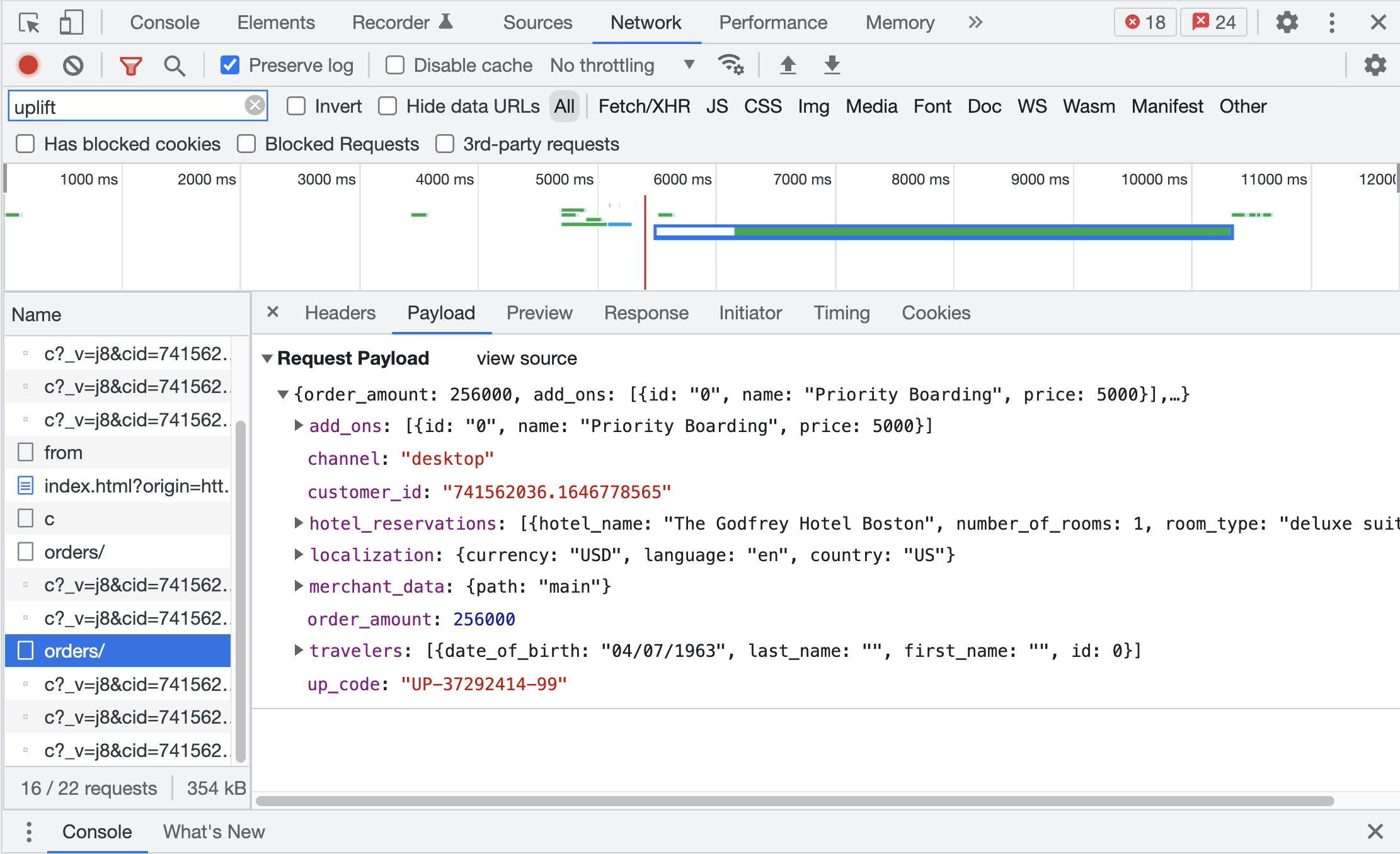
- Open the Network tab, filter by Uplift, and verify the payload for the "order" call (triggered when the customer selects Pay Monthly)
SPA / Dynamic Page Considerations
If your site is a Single Page Application or dynamically renders content:
- Components render correctly after client-side route transitions
window.Uplift.Payments.load(orderInfo)is called after each route change that updates order data- Shadow DOM styles are not disrupted by global CSS resets or framework-level style injections