Once your Flex Pay SDK key is ready, you will be able to add our application to your Shopify store to enable Flex Pay as a payment option on your checkout page
How to install the Flex Pay App
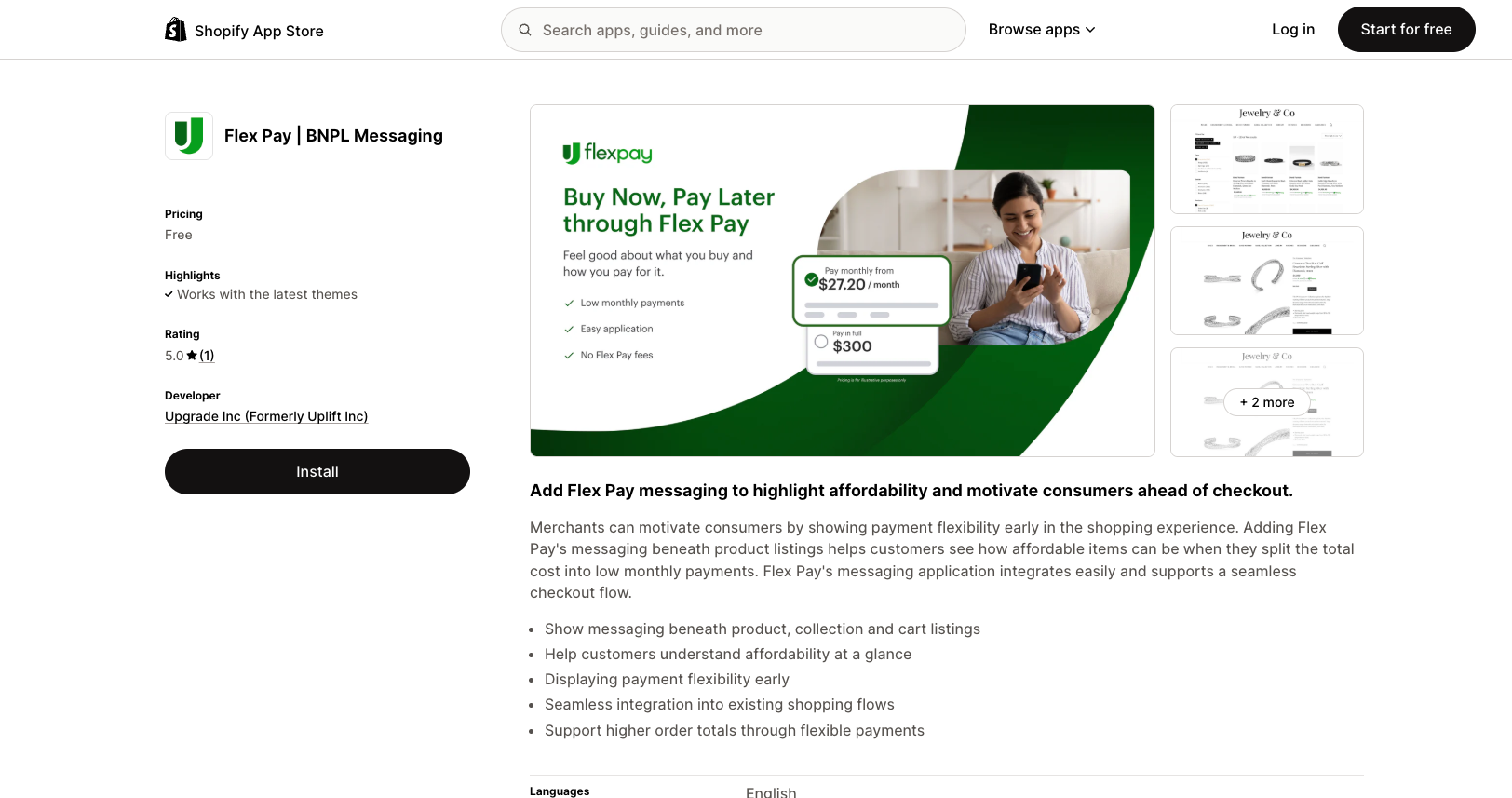
Your Flex Pay Account Manager will provide you with an installation link for our application and your unique Flex Pay SDK key when your account is ready. Once you have the link, click on the URL to be directed to the Shopify App Store.
Click INSTALL
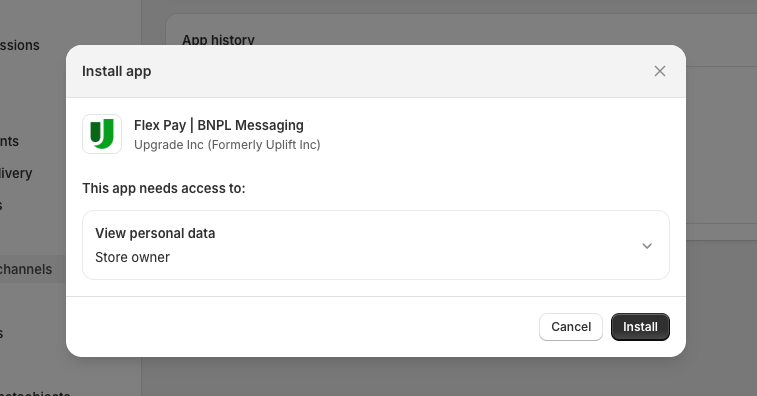
When you are redirected back to your Shopify Account Configuration Page, click INSTALL again
Enter in your Flex Pay SDK key provided by your Account Manager and select CONTINUE
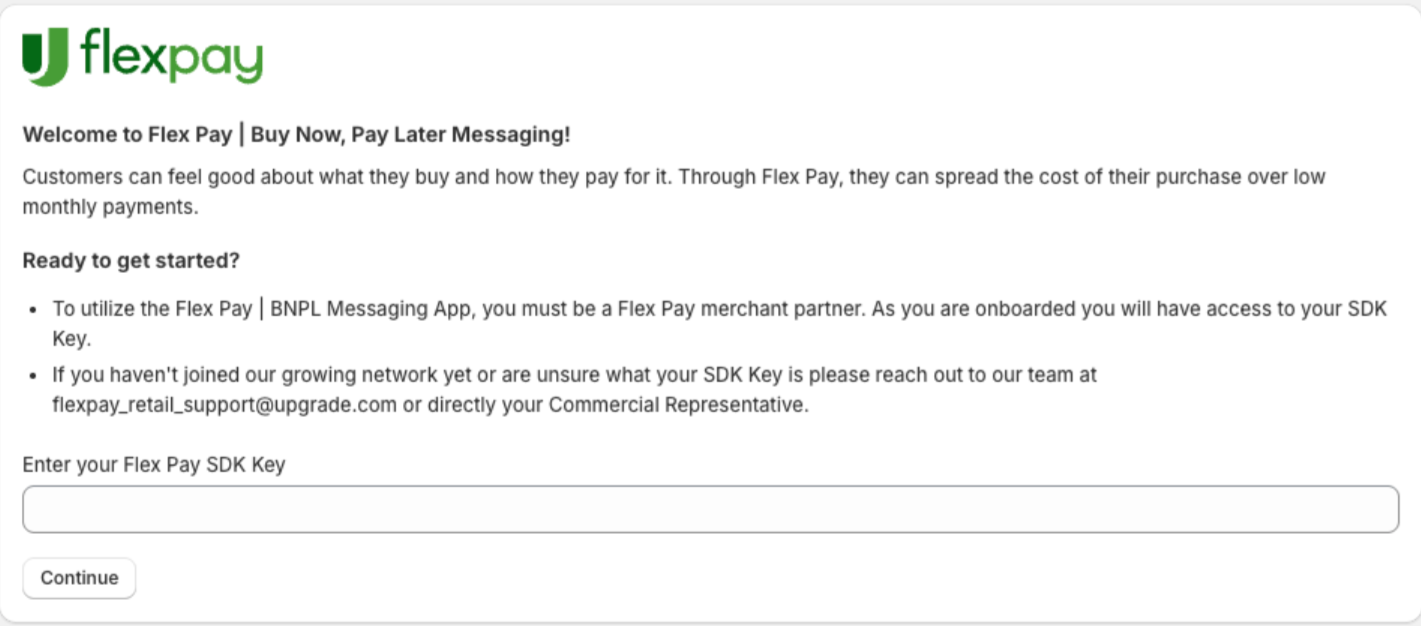
⚠️ If you receive an error message after entering your SDK key on this page, please reach out to your Flex Pay point of contact for further support
Congratulations! You have now added our Flex Pay application to your Shopify store!

Now that you have installed the Flex Pay app, you are now ready to add the Flex Pay 'From Pricing' Messaging App to your website pages to support further customer engagement with our ‘From Pricing’ solution!